.
Brushed Shading for Maya/MaterialX
Toon Glass (Arnold)
ND_ToonGlass_surfaceshader
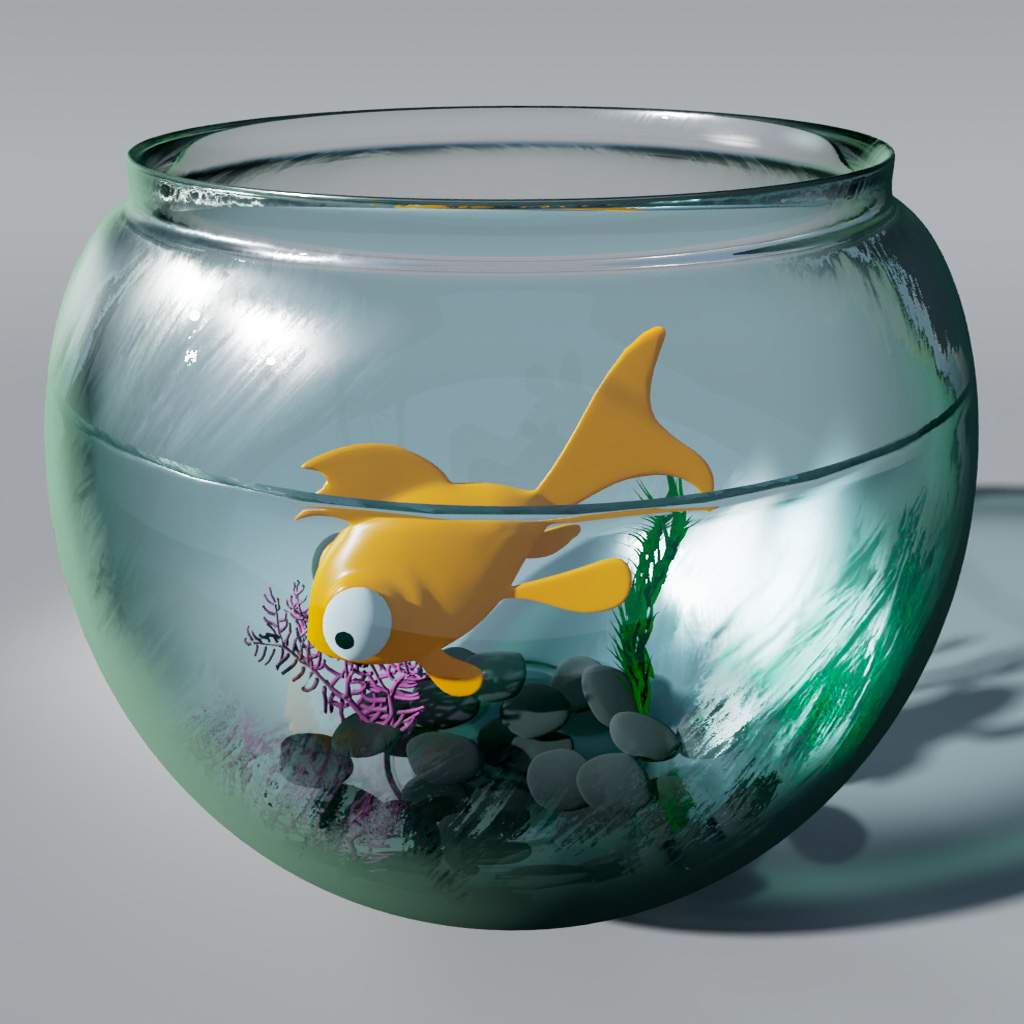
Stylized glass surface. Includes center clarity, edge thickness, and specular tone mapping.
Inputs / Parameters
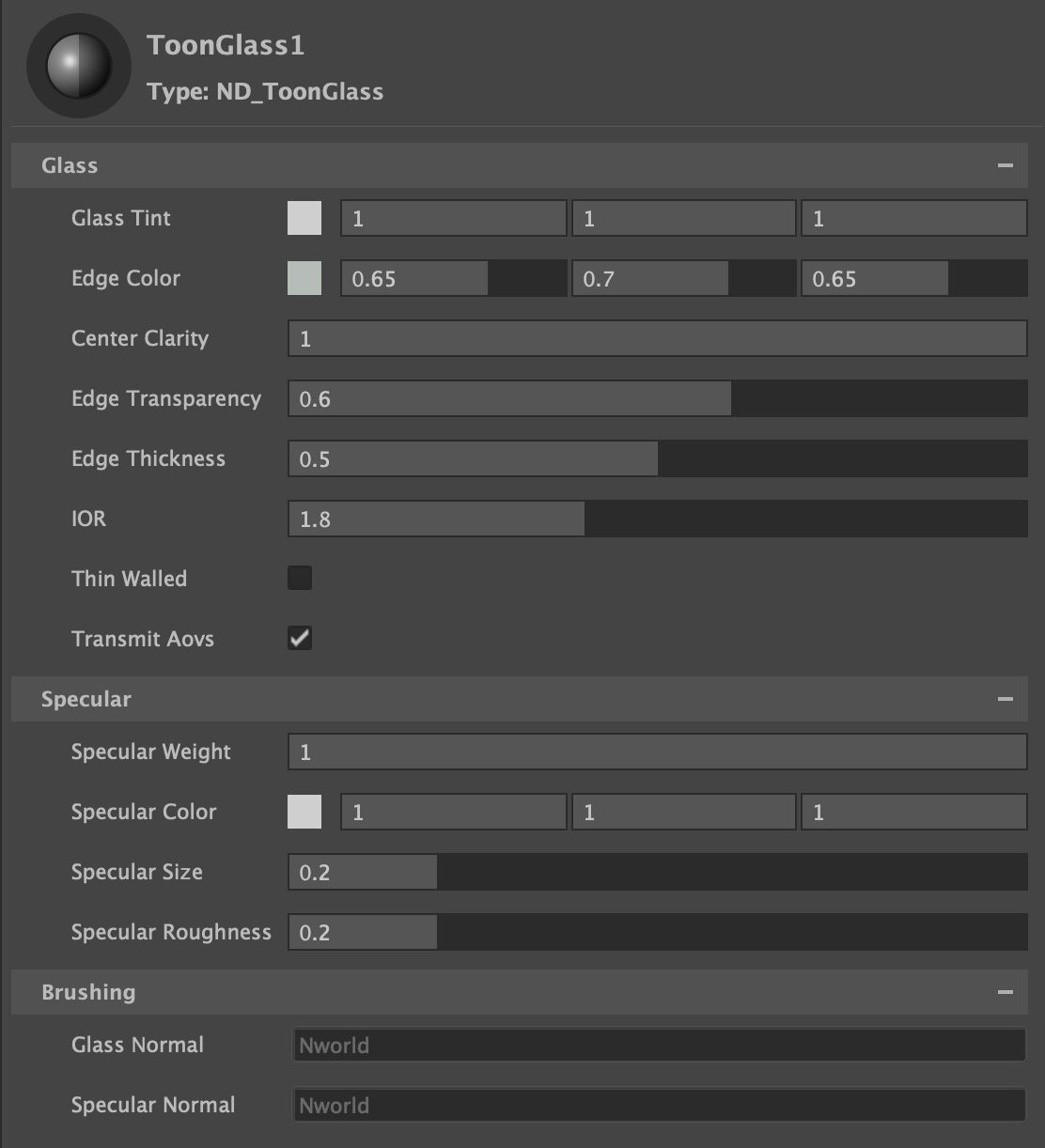
Glass Tint
Tints the color of the glass.
Edge Color
The color of the edge, representing the thicker part of the glass viewed from glancing angles.
Center Clarity
Amount eminating from the center outwards to have no effect to the brush shading on the refraction.
Edge Transparency
Amount of transparency for the edge. A value of 0 will make the edges complete;y opaque.
Edge Thickness
Thickness of the stylized edge.
IOR
The Specular IOR defines the index of refraction (IOR) of the base dielectric. Higher IORs produce a stronger specular reflection.
Thin Walled
In the thin-walled mode, the surface is considered to be a (microscopically) thin two-dimensional sheet of material, rather than the boundary of a solid object. This is intended for the convenient and efficient rendering of thin materials (such as window panes, soap bubbles, sheets of paper, and leaves) as open meshes rather than closed thick shells.
Transmit AOVs
When enabled, Transmission will pass through AOVs. If the background is transparent, then the transmissive surface will become transparent so that it can be composited over another background. Light path expression AOVs will be passed through so that, for example, a diffuse surface seen through a transmissive surface will end up in the Diffuse AOV. Other AOVs can also be passed straight through (without any opacity blending), which can be used for creating masks, for example.
Specular
Toon Spec
Toggle between toon specular (Toon Glossy BSDF), and microfacet GGX specular.
Specular Weight
Scalar multiplier for Specular Color.
Specular Color
Color tint for specular highlight.
Specular Size
Tonemaps the specular highlight to create a sharp circular specular highlight
Specular Roughness
Specifies the roughness of the surface for specular reflection. Generally you want to keep this high (dafault 0.6), using Specular Size.
Brushing
Glass Normal
Input for brushed Normals affecting the glass.
Specular Normal
Input for brushed Normals affecting the specular.