.
Brushed Shading for Maya Documentation
Download Brushed Shading for Maya
Watch Brushed Shading for Maya video tutorials
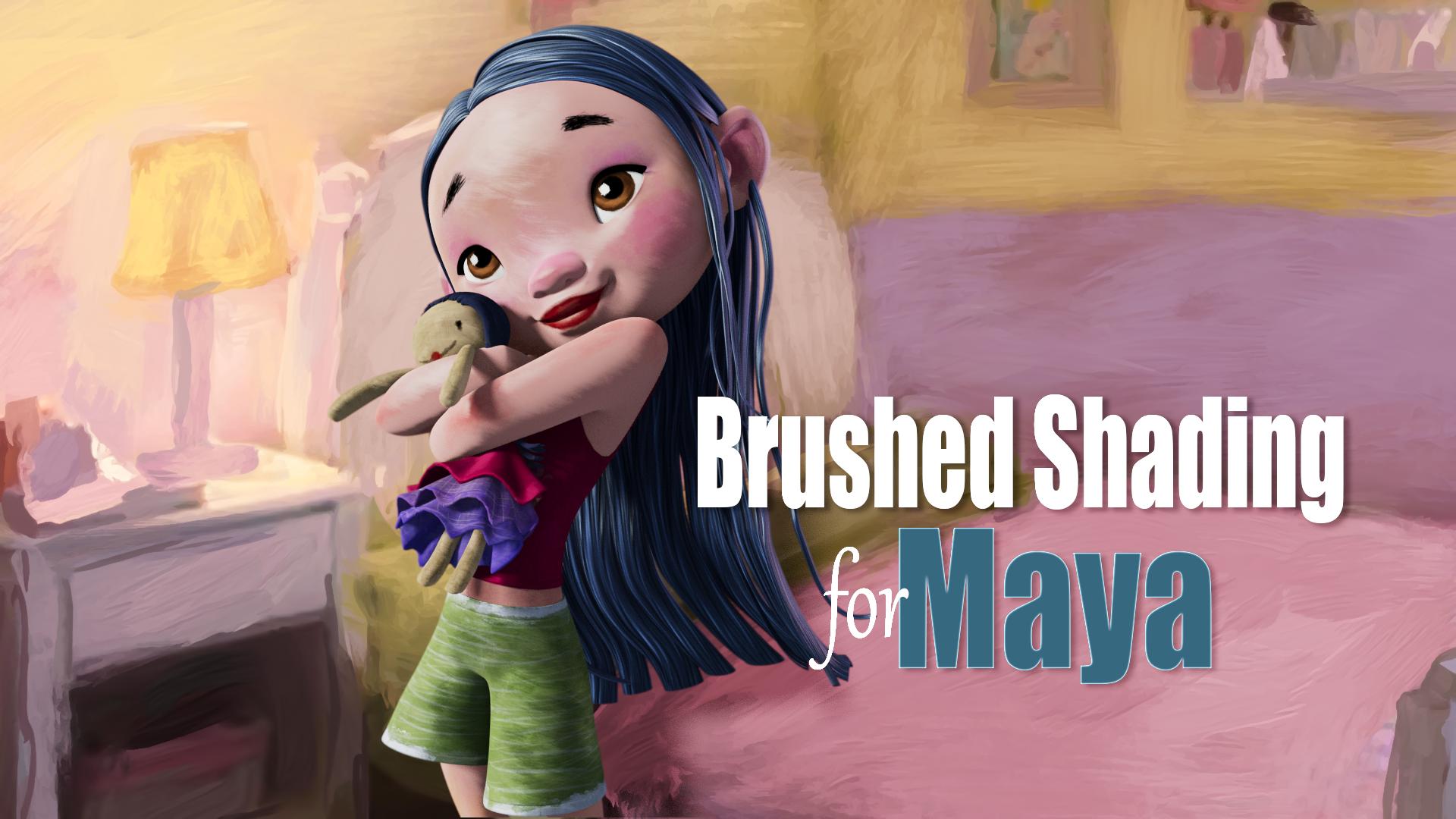
Brushed Shading for Maya Brushed Shading for Maya is a suite of shaders and tools for achieving painterly stylized looks in Maya Arnold using MaterialX. It does this by transforming regular smooth shading into hand-painted brush stroke shading.
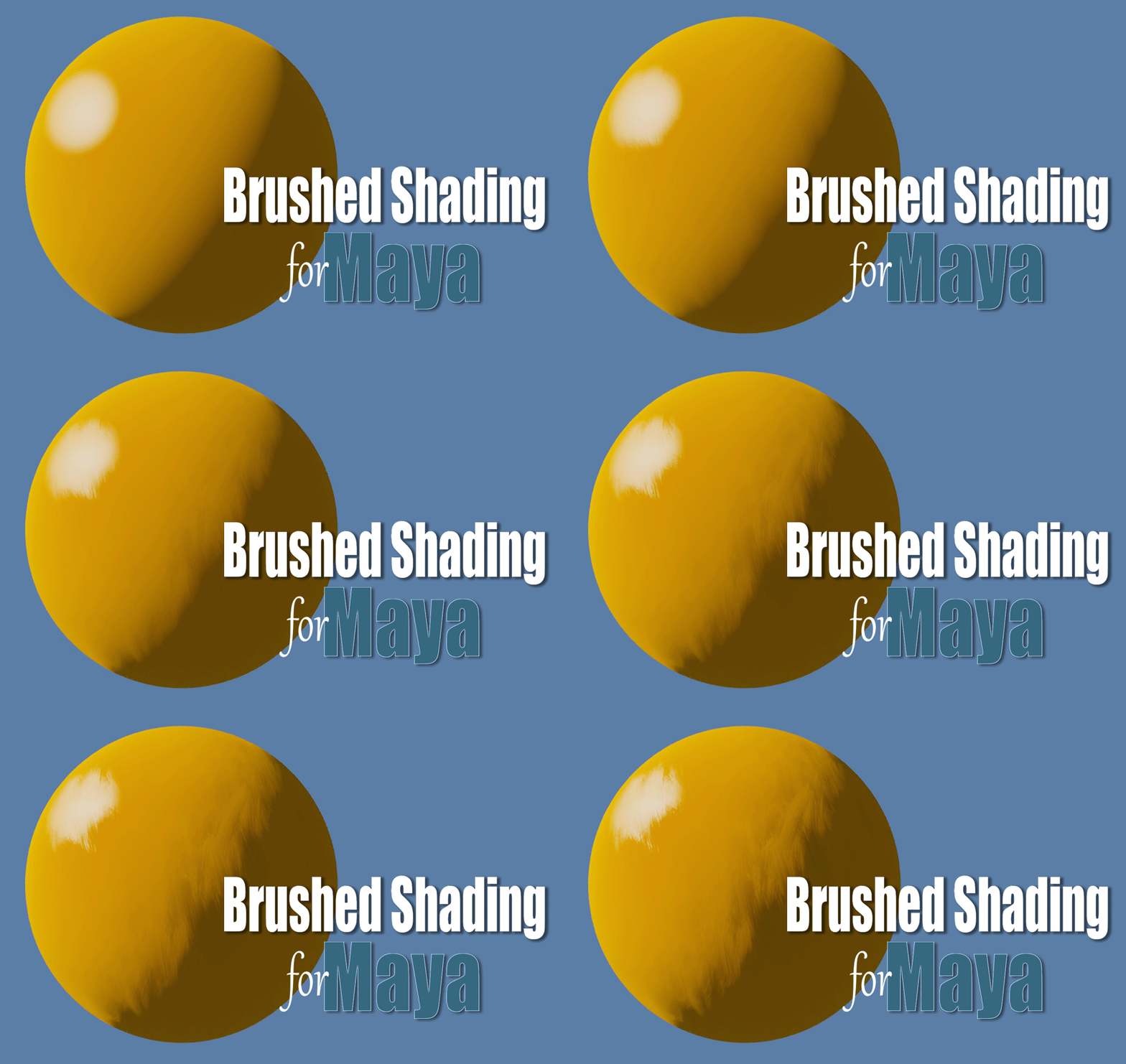
Installation
See above linked documentation page for installation instructions.
MaterialX Node Library
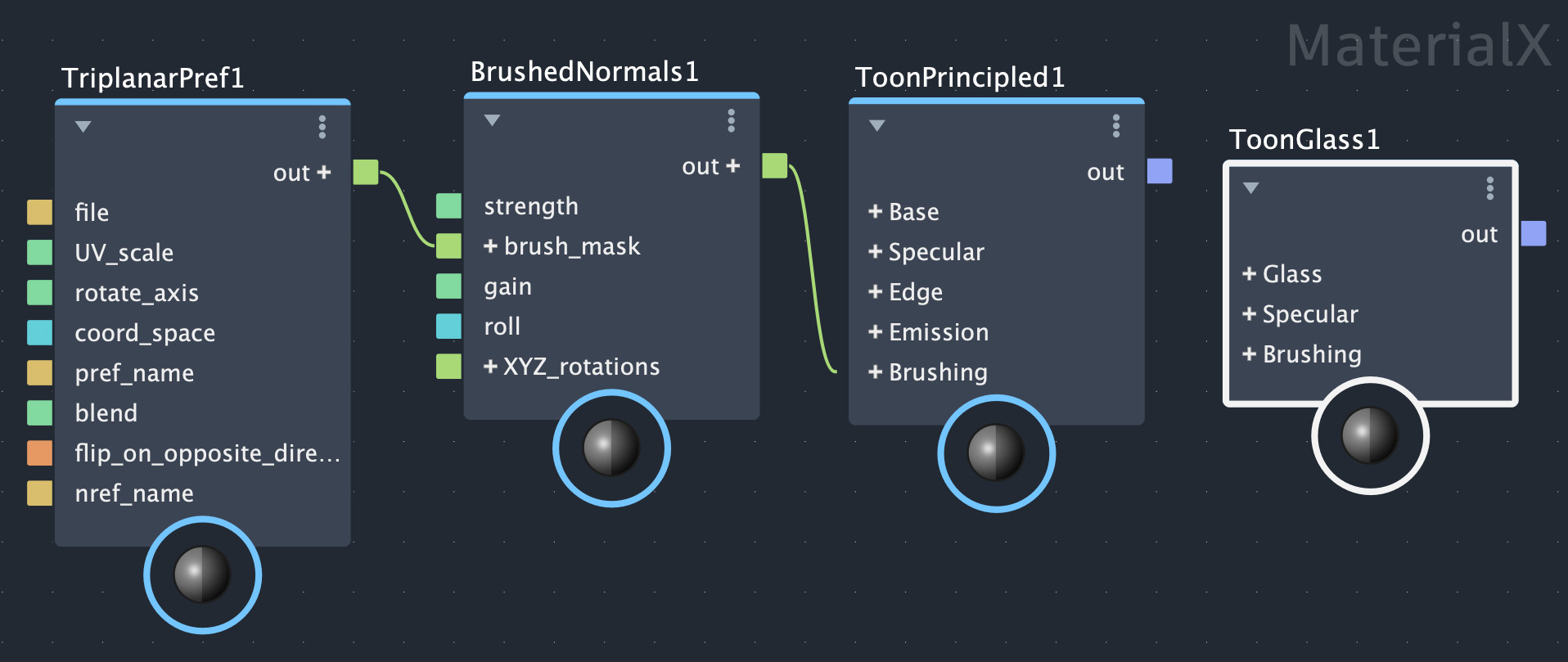
The custom MaterialX Node Library includes all the components you’ll need to build your own Brushed Shading material node networks. Each shader node is detailed below in the linked documentation pages.
Brushed Shading Menu
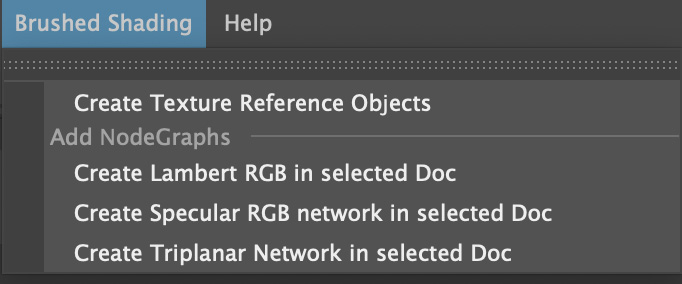
Menu of useful utility functions. See above linked documentation.
Example Looks
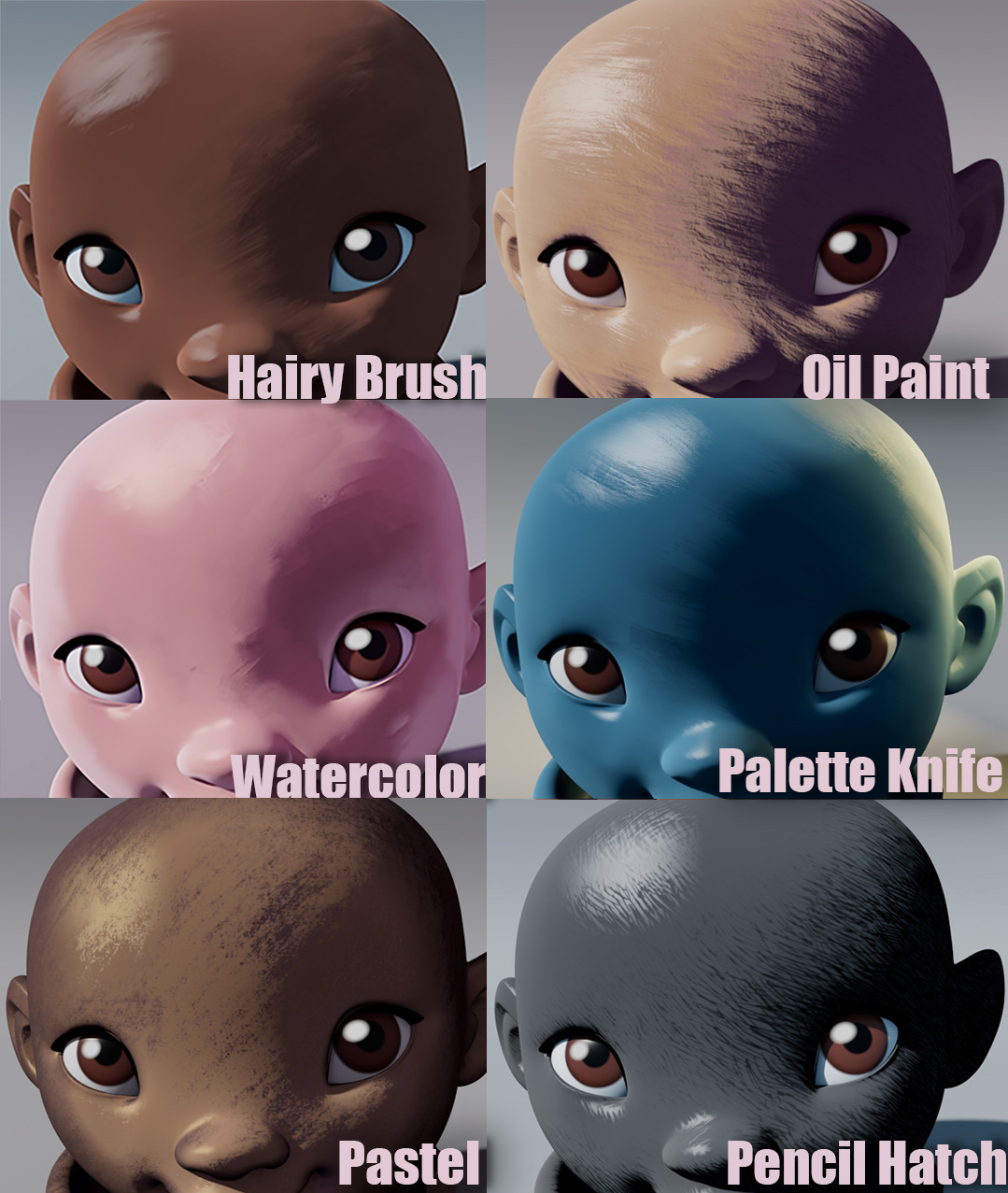
Brush Shading for Maya comes with several examples of the different looks you can achieve, including watercolor, oil paint, pastel, palette knife, and pencil hatch.
See above linked documentation for the catalog of example looks.
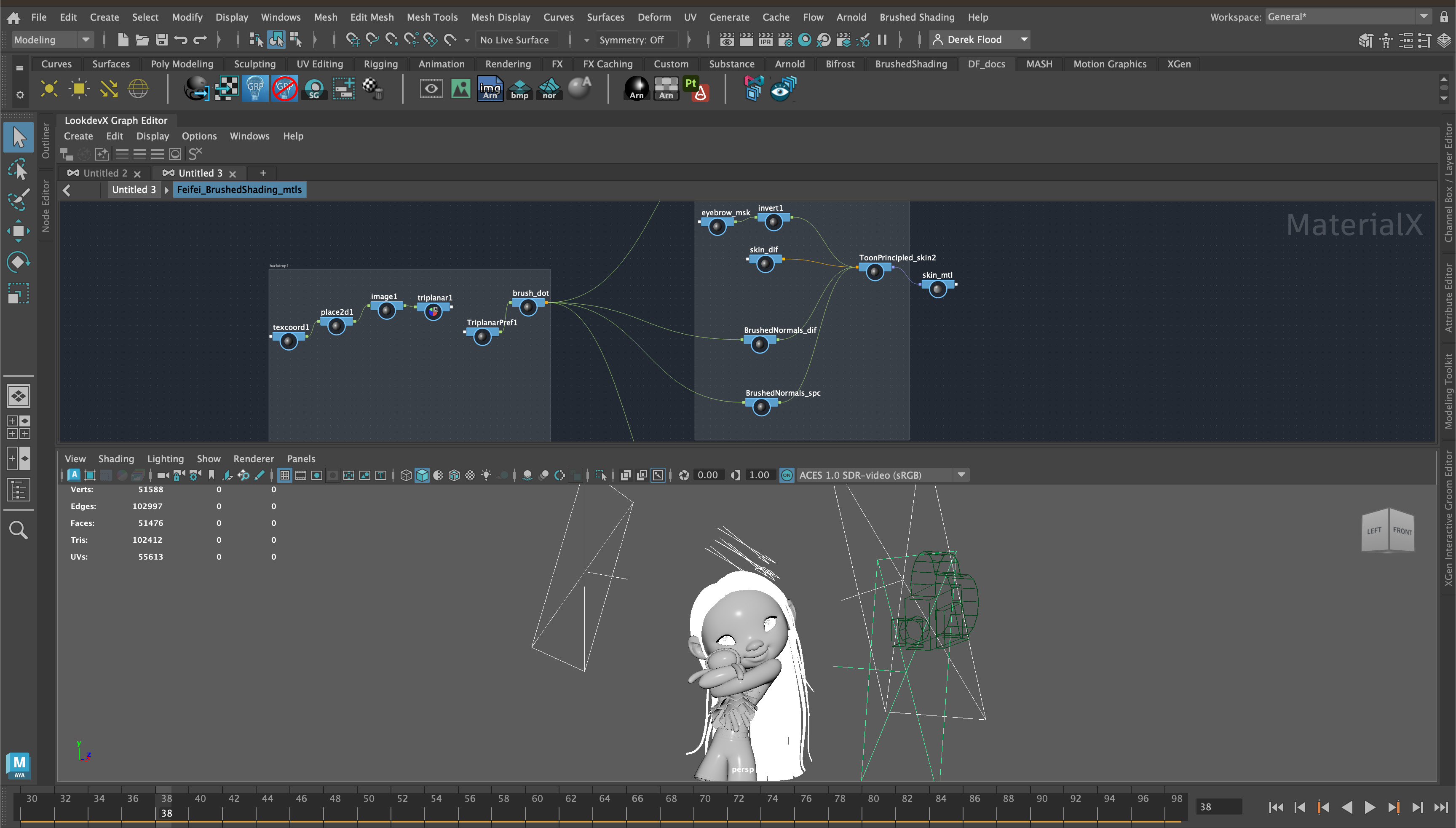
Example Project
To help get you started, an example Maya project is included featuring the wonderful FeiFei model by Leo Rezende. This is a production ready shot lighting scene, including camera, lights, animation cache, hand painted texture maps, and of course, Brushed Shading material node networks for the character’s eyes, hair, skin, and clothing. See the video tutorials link above for a scene walk-through.